Home Mployr App Mployr Kiosk Download
New: Mployr Kiosk for sign-in tablets

Your Work Life,
On Every Screen

The Mployr app puts your roster, clock in, leave and pay slips on your phone. Mployr Kiosk turns a tablet at your workplace into a shared sign-in station.

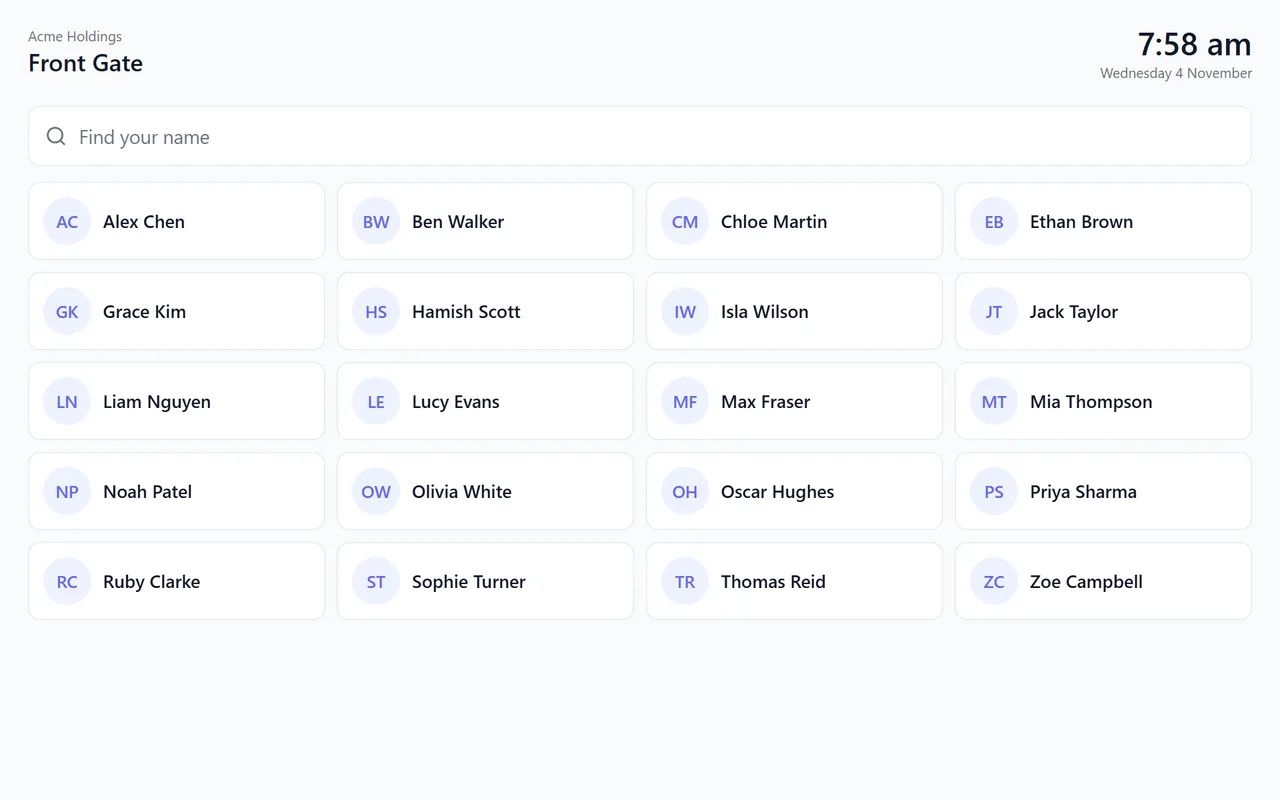
Mployr Kiosk on a tablet: staff tap their name to clock in
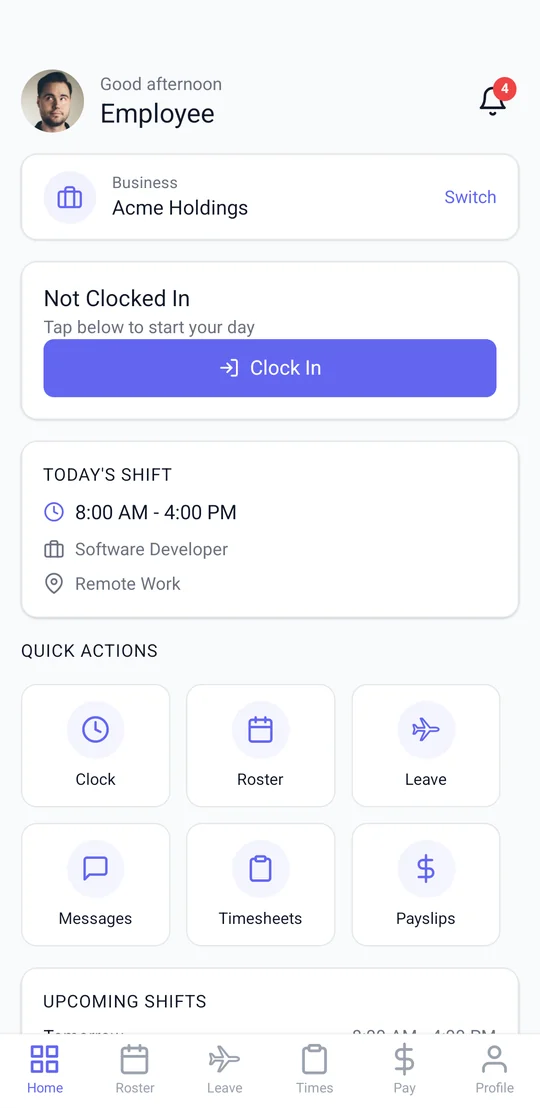
The Mployr app home screen: clock in, today's shift and quick actions

For Every Employee and Every Site

Everyone gets the app on their own phone, and a kiosk at the site lets your team clock in without one. Use either, or both.

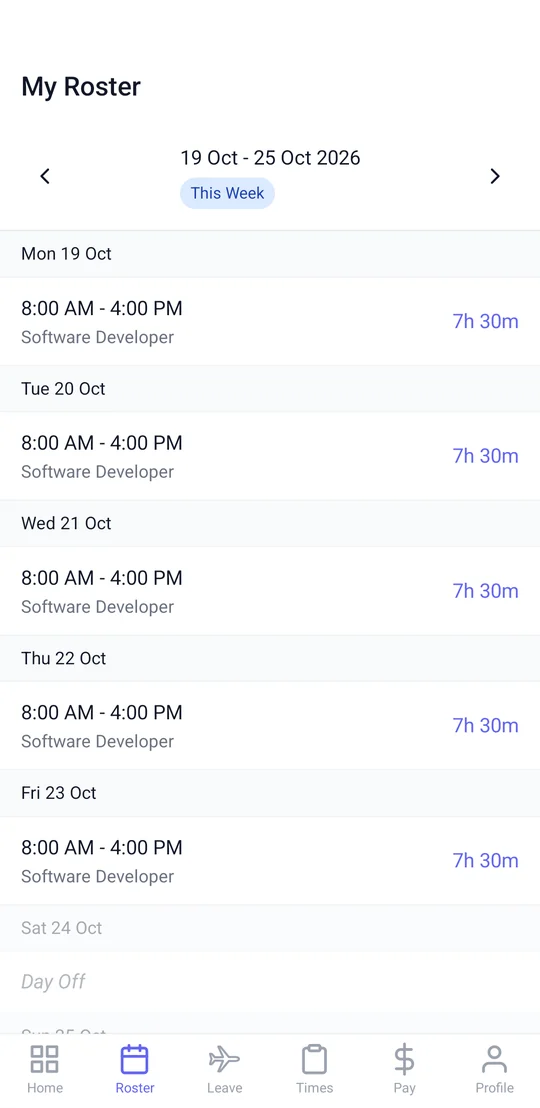
This week's roster in the Mployr app
Mployr App · For your phone

Your Work Life, in Your Pocket

Each employee's own app, with everything about their work in one place.

  • Your roster and upcoming shifts
  • Clock in and out, with breaks
  • Leave requests and balances
  • Pay slips, timesheets and team chat
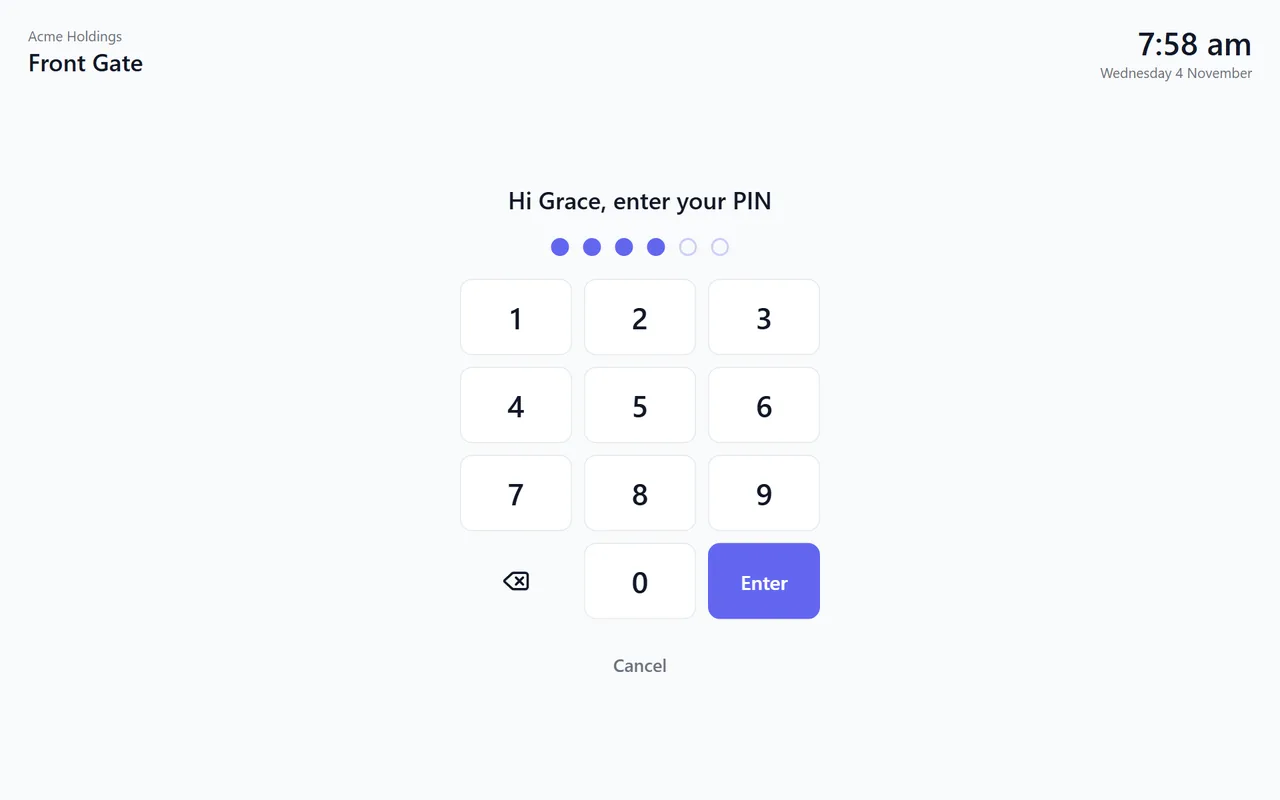
Mployr Kiosk's PIN pad on a tablet
Mployr Kiosk · For your workplace

A Sign-In Tablet for Your Site

One shared tablet at the door where your team clocks in — no phone needed.

  • Tap your name and enter your PIN
  • Clock in, take breaks and clock out
  • A photo at clock in, if you want one
  • Visitors sign in at the same tablet

Get Mployr

The app for your phone, and the kiosk for the tablet at work.

Mployr Kiosk

For a shared tablet at your workplace

On an iPad, open app.mployr.com.au/kiosk in Safari.