
Your Work Life,
In Your Pocket
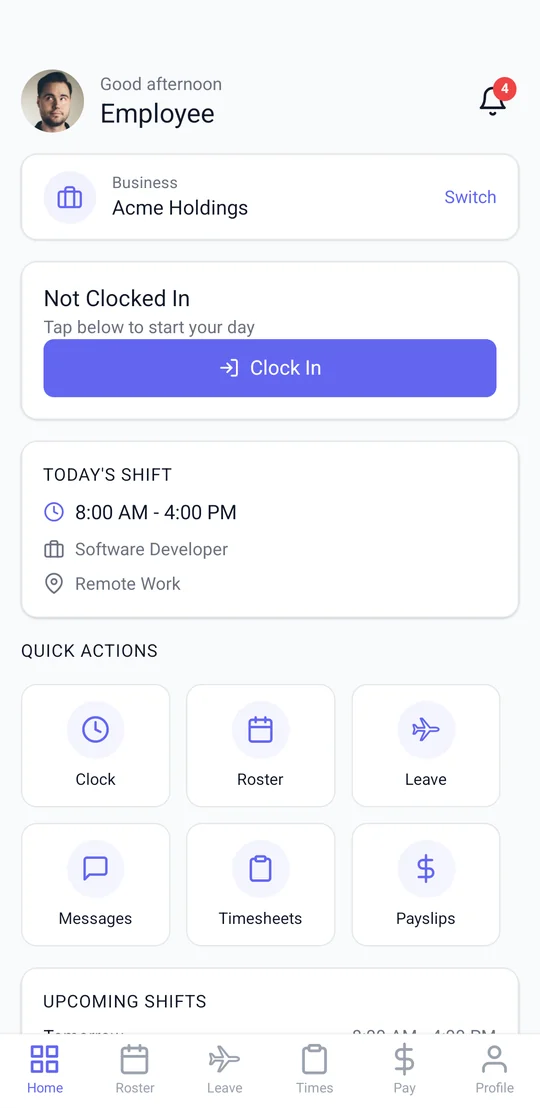
View your roster, clock in and out, submit leave, check your pay slips, and stay connected with your team — all from one simple app.
Everything You Need at Work
Powerful tools to manage your work life, designed to be simple and intuitive.
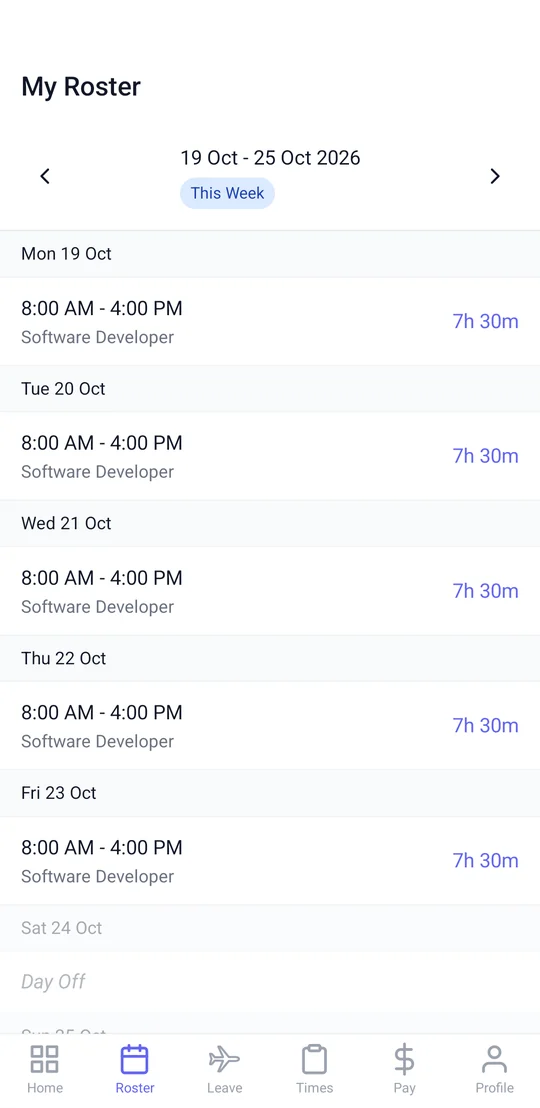
Rosters
View your upcoming shifts, swap requests, and weekly schedule at a glance.
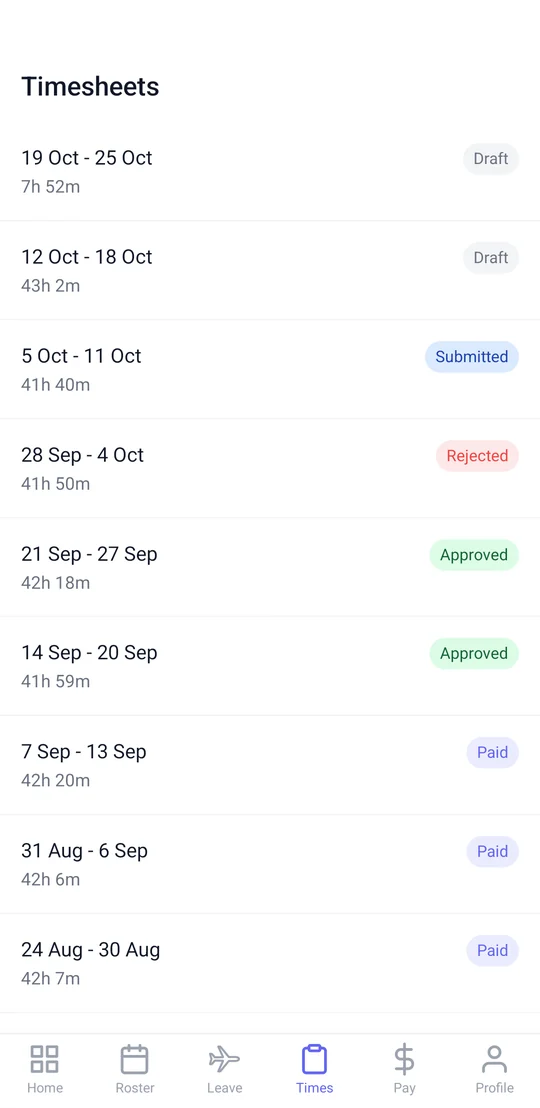
Timesheets
See your hours from every clock in, break and clock out, and review your timesheets before payroll.
Clock In/Out
One-tap clock in and out with location check, plus breaks and your clock history.
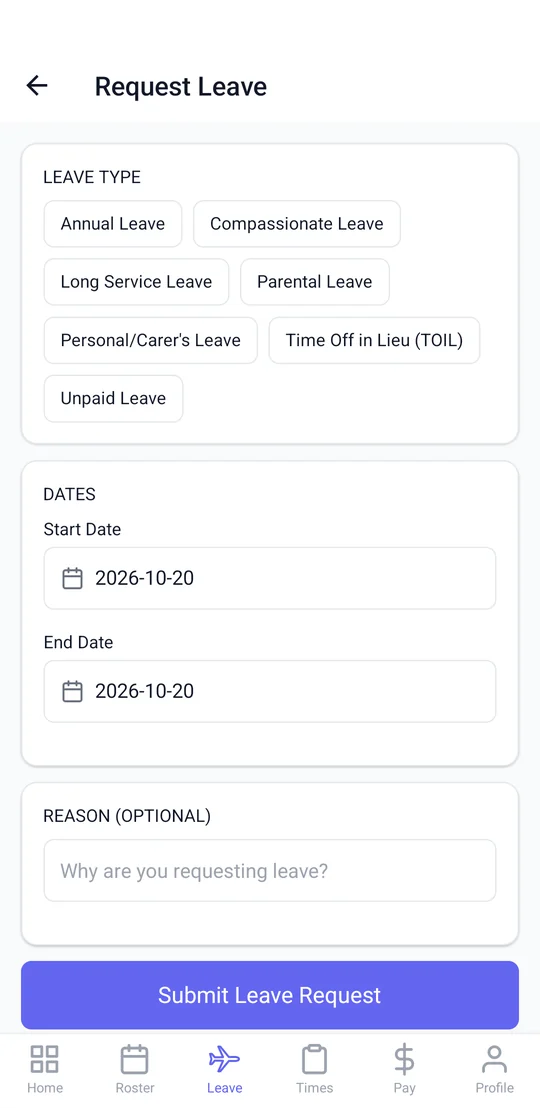
Leave Management
Check balances, submit leave requests, and get instant approval notifications.
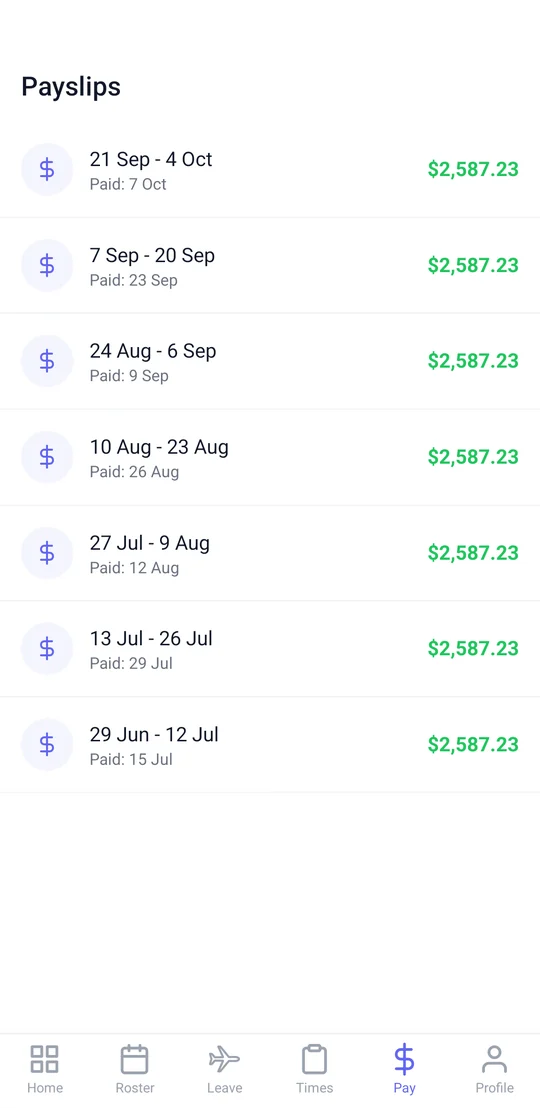
Pay Slips
Access your pay slips anytime, anywhere. Download PDFs for your records.
Personal Details
Keep your emergency contacts, bank accounts and super funds up to date, all in one place.
Team Chat
Message your team, share updates, and stay in the loop with group chats.
Notifications
Real-time alerts for roster changes, approvals, messages, and announcements.
Receipts
Snap a receipt and the scanner straightens and crops it, ready to send for reimbursement.
Business Cards
Share your digital business card with a QR code, and scan other people's cards straight into contacts.
Documents
Your qualifications and work documents, with you whenever you need them.
More Than One Job?
Work for more than one business on Mployr? Switch between them in the same app.
Up and Running in Minutes
Getting started with Mployr is quick and easy. Three simple steps to take control of your work life.
Download the App
Android phones can download Mployr free from this page. The iPhone app is coming to the App Store soon.
Accept Your Invitation
Your employer invites you by email. Set your password from the invitation, then sign in to the app with your email.
You're Good to Go
View your roster, clock in, submit leave, and chat with your team — all from your phone.
See It in Action
Real screens from the Mployr app, shown with demo data.
Loved by Teams Everywhere
See what employees and managers are saying about Mployr.
"I used to always check the notice board for my roster. Now I just open Mployr and it's right there. Clocking in is so easy too — just one tap."
"As a manager, I love that my team can see their rosters instantly. Leave requests come through the app and I can approve them on the spot. Game changer."
"Having my pay slips and leave balances right on my phone is so convenient. The team chat keeps everyone connected, especially across different shifts."
Frequently Asked Questions
Got questions? We've got answers.
Is Mployr free to use?
What devices does Mployr support?
How do I connect to my employer?
Does clock in/out use my location?
Can we have a sign-in tablet at work?
Can I view my past pay slips?
Is my data secure?
Ready to Simplify Your Work Life?
Download Mployr today and take control of your rosters, timesheets, leave, and more.
Setting up a sign-in tablet at your workplace? See Mployr Kiosk