
A Sign-In Tablet
for Your Site
Mployr Kiosk turns a tablet at your site into a shared time clock. Your team taps their name, enters their PIN and clocks in — no phone needed.
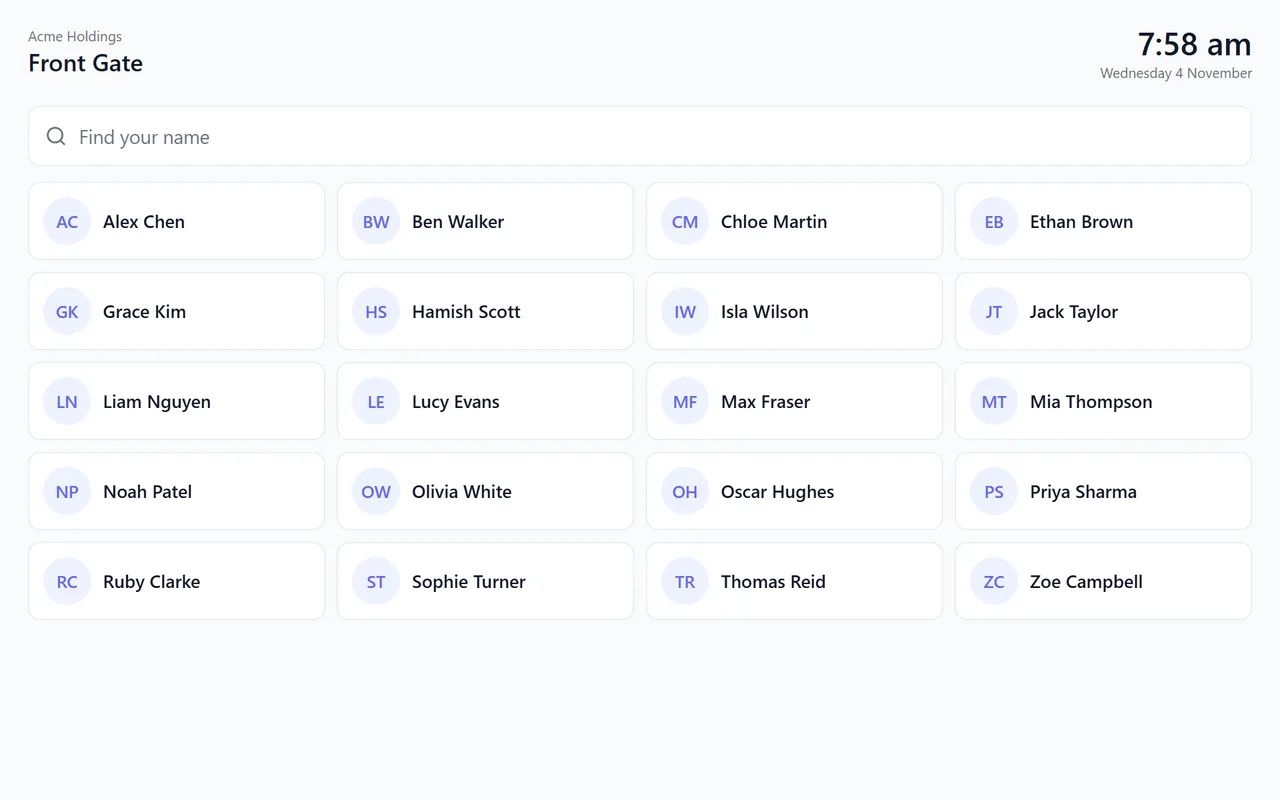
Everything at the Front Gate
Clocking in, breaks, safety questions and visitors, on one tablet your whole site shares.
Your Name and PIN
Staff find their name and enter their own kiosk PIN. No phones, swipe cards or fobs to hand out.
Clock In, Breaks, Clock Out
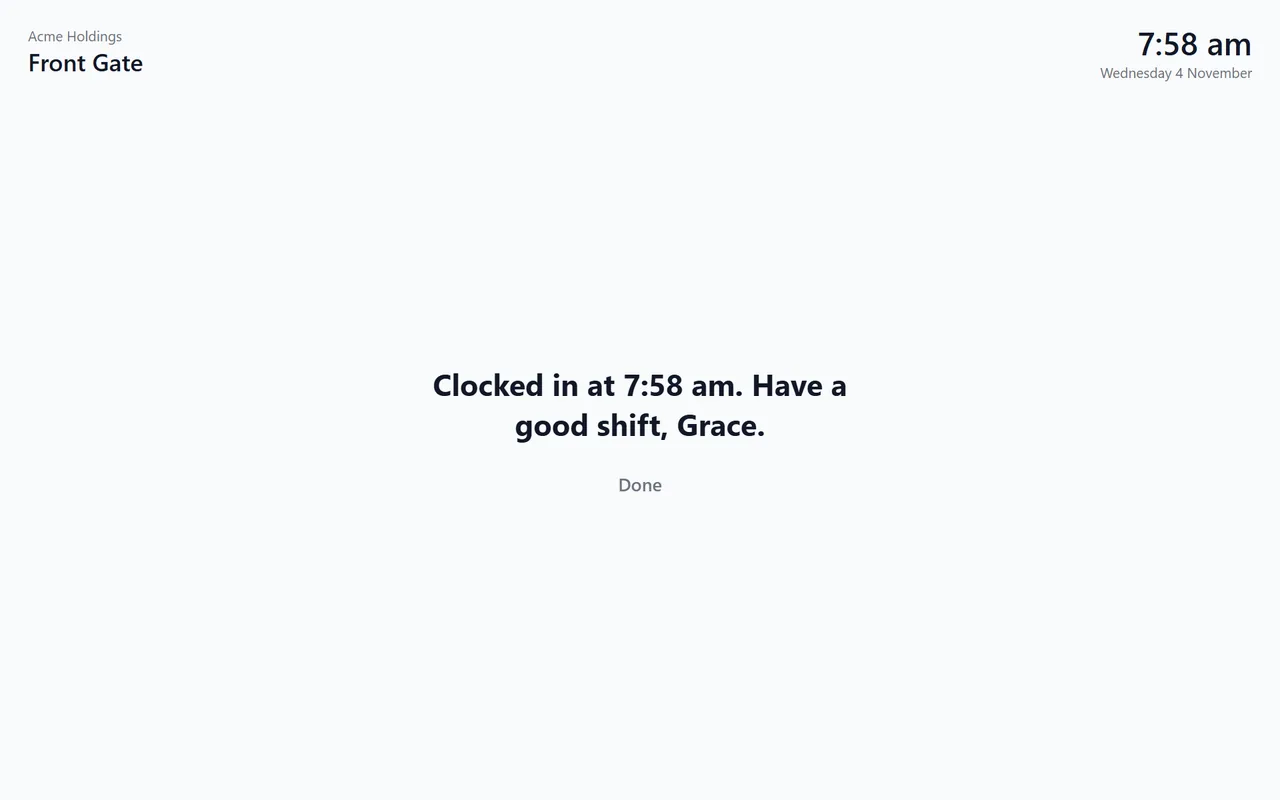
Clock in, start a meal or rest break, and clock out. Each one is in Mployr the moment it's made.
A Photo at Clock In
If you turn it on, the kiosk takes a photo after a three-second countdown. It goes to Mployr and is never kept on the tablet.
Questions at Clock In
Ask things like “Are you fit for work today?” at clock in or out. An answer that needs attention tells the manager.
Visitor Sign-In
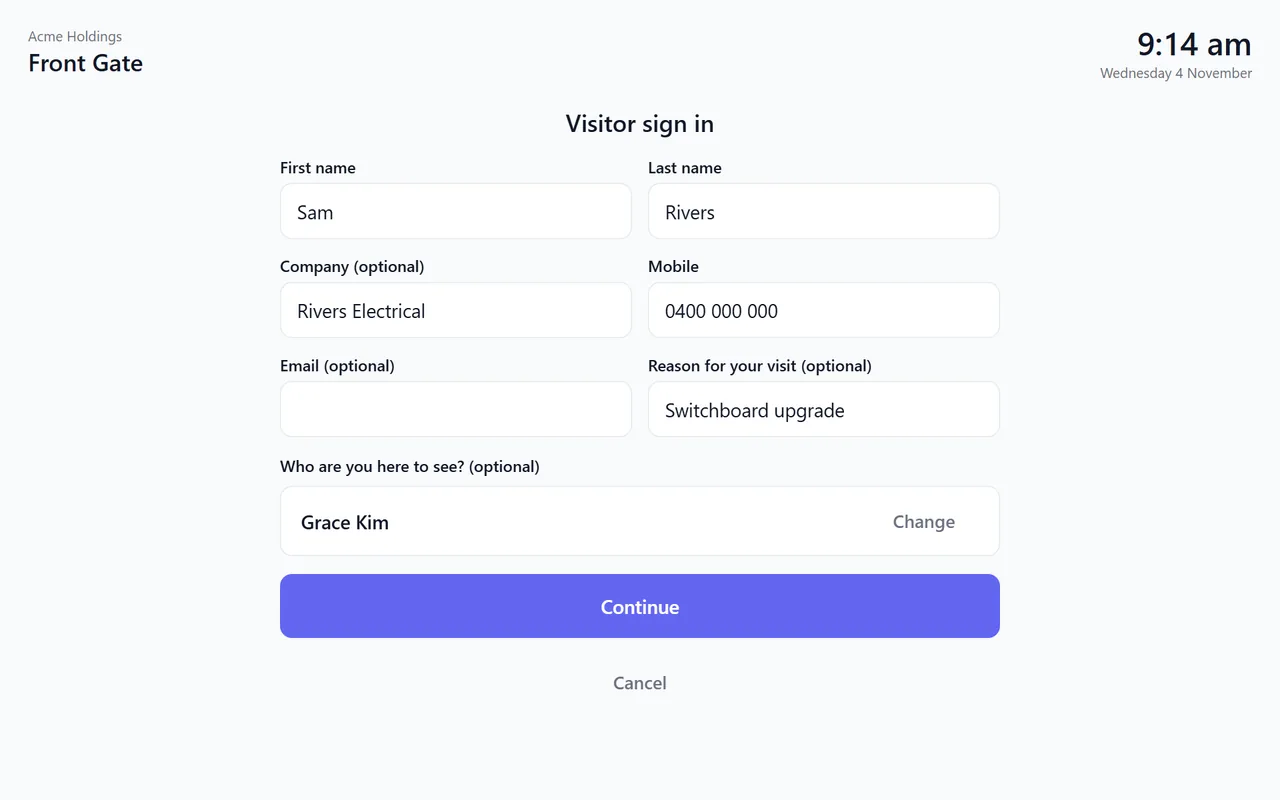
Visitors enter their details, tick your safety notice and say who they're here to see — and that person is told.
Fire Roll
Everyone clocked in or signed in at a site is on the fire roll, ready for the muster point.
Made for a Shared Tablet
Paired once with a setup code. The screen stays on, the app fills it, and it goes back to the names when nobody's using it.
Android Tablets and iPads
Install Mployr Kiosk on an Android tablet with Android 7.0 or later, or open the kiosk in Safari on an iPad.
See It in Action
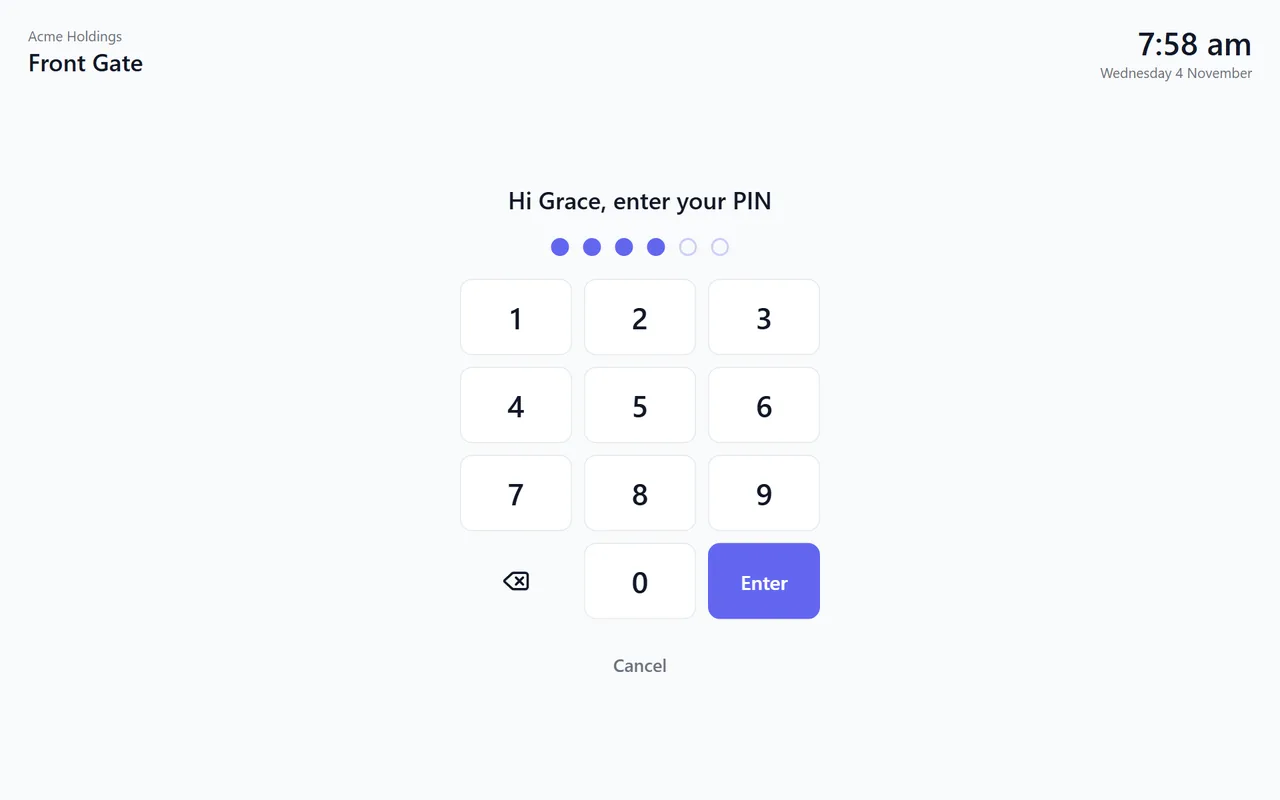
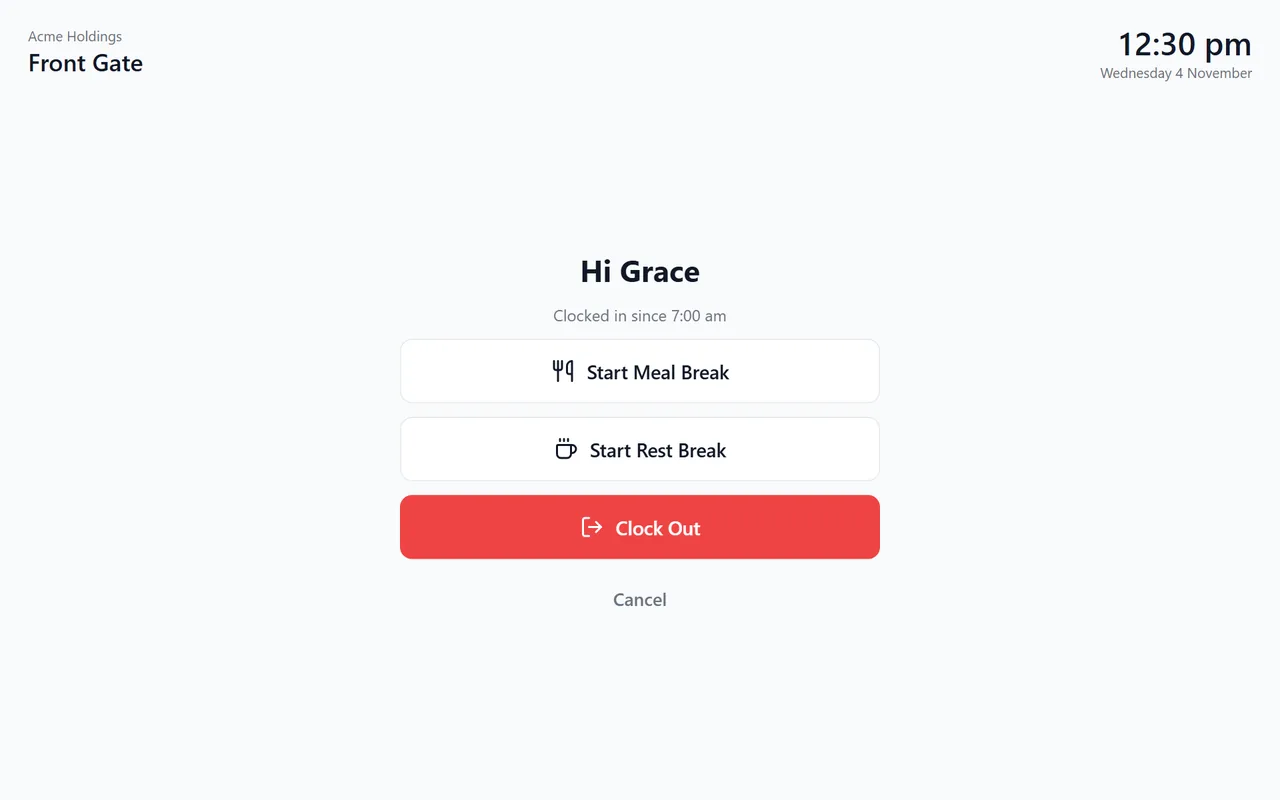
Real screens from Mployr Kiosk on a tablet, shown with demo data.
Set Up in Minutes
No special hardware: an Android tablet or an iPad you already have will do.
Install It on the Tablet
Download Mployr Kiosk on an Android tablet with Android 7.0 or later, or open it in Safari on an iPad.
Pair It Once
Add the kiosk in Mployr under Site Attendance, then enter its setup code on the tablet. It stays paired.
Tap, PIN, Done
Your team taps their name, enters their kiosk PIN, and clocks in, starts a break or clocks out.
Frequently Asked Questions
Setting up a kiosk? Here's what people ask.
What do we need to run Mployr Kiosk?
How do we set up a kiosk?
Does the kiosk need the internet?
Are photos kept on the tablet?
How do we stop people leaving the kiosk?
Can staff still use the Mployr app on their phones?
How does the kiosk get updates?
Set Up Your Sign-In Tablet
Download Mployr Kiosk on an Android tablet, then pair it with a setup code from Mployr.
On an iPad, open app.mployr.com.au/kiosk in Safari.
Looking for the app for your phone? See the Mployr app